Lùmen
Laser Engraver Controller for macOS
A native, fast, and precise tool to control your GRBL-based laser engraver. Engrave images, cut SVG vectors, and fine-tune every parameter — all from your Mac.
Requires macOS 15 Sequoia or later
Laser Engraver Controller for macOS
A native, fast, and precise tool to control your GRBL-based laser engraver. Engrave images, cut SVG vectors, and fine-tune every parameter — all from your Mac.
Requires macOS 15 Sequoia or later
Professional tools in a clean, native macOS interface
Import any image and convert it to GCode with 7 dithering algorithms. Adjust brightness, contrast, resolution, and power in real-time.
Load SVG files for precise vector cutting. Supports paths, rectangles, circles, ellipses, arcs, and bezier curves with configurable speed, power, and passes.
Combine engrave and cut layers in a single job. Each layer has independent positioning, sizing, and settings — like working in Photoshop.
Move and resize layers with drag & drop or type exact X, Y, W, H values in millimeters. Frame your job boundary before engraving.
Floyd-Steinberg, Atkinson, Burkes, Jarvis-Judice-Ninke, Sierra, Sierra Lite, and Stucki. Pick the best one for your material and style.
5-second countdown before every job. Auto-homing, soft jog limits, overscan clamping, and automatic laser-off at job completion.
Generate calibration grids to find the perfect settings for any material. Configurable speed range, power range, cell size, and resolution.
Stopped mid-job? Resume from the exact line where you left off. No need to start over.
Serial console, real-time status, feed & speed overrides, jog controls, alarm management — everything you need, nothing you don't.
Built with SwiftUI for a true Mac experience
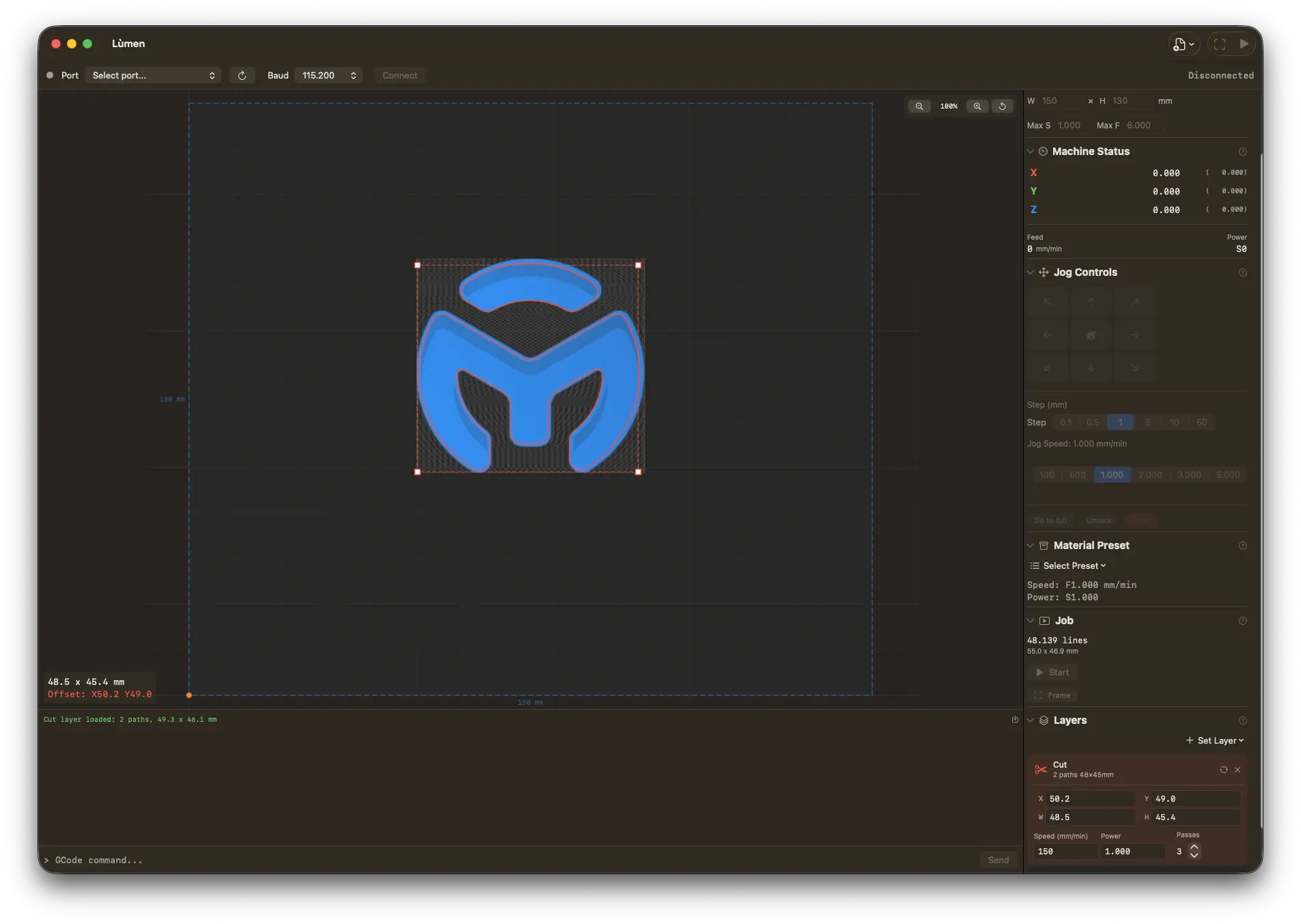
Compatible with all GRBL-based laser engravers via USB. Built-in presets for popular models.
Any GRBL-based laser engraver with USB serial connection. Create and save your own machine presets.
One-time purchase. No subscription. Free updates.
Requires macOS 15 Sequoia or later. Universal binary (Apple Silicon & Intel).